

Membership and Course Websites
Sell access. Track engagement. Run it like a real business.
A membership or course website isn’t a brochure with a login. It’s a platform where payments, content access, course progress and member data all work together.
We build them on WordPress with LearnDash, MemberPress and WP Fusion, so member actions trigger the right follow-up in your CRM automatically.
Building a membership from scratch?
We'll map the business model, pick the right stack, and build a platform that runs itself. Most of our new builds go live in 10 to 12 weeks.
Got a site that's underperforming?
We'll audit what's there, find the leaks (broken integrations, manual processes, members slipping through the cracks), and fix them. Sometimes that's a focused improvement project.
Most membership sites are held together with sellotape
Here’s how it usually goes. Someone buys MemberPress (or LearnDash, or whatever was recommended at the time). They cobble together a site. Payments go to Stripe. Member data lives in WordPress. Email marketing happens in Mailchimp. CRM data lives somewhere else, if anywhere at all.
Then someone cancels. The plugin handles the cancellation. But the welcome sequence in Mailchimp keeps running. The CRM still thinks they’re a paying member. The Facebook group access doesn’t get revoked. And no one notices for three weeks.
That’s not a membership site. That’s a leak.
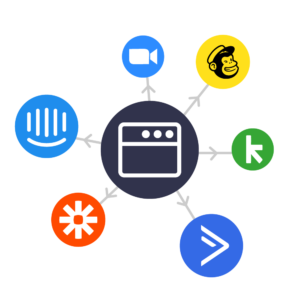
We build differently. Every member action (sign-up, purchase, course completion, cancellation, refund) flows through one connected system. The website knows. The CRM knows. The email platform knows. The community tool knows. It all just works, because we set it up to.
Get paid automatically
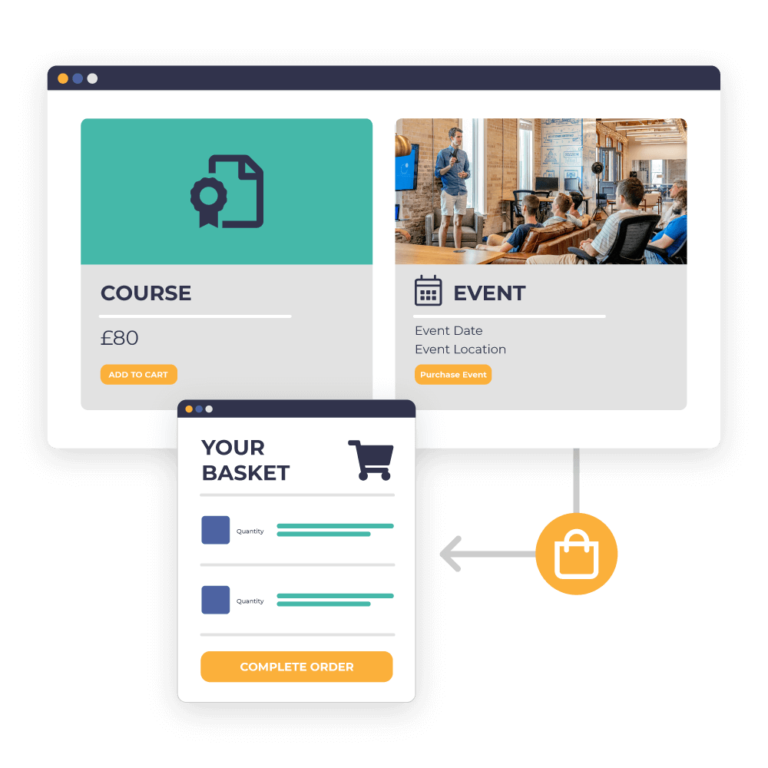
Subscriptions, one-off payments, course bundles, payment plans. All running quietly in the background while you focus on creating the content people are paying for.
Members get the right access, automatically
No manual permission-setting. Buy a course, get the course. Cancel a subscription, lose access. Upgrade a tier, unlock more. All triggered by the system, not by you at 11pm.
Know who’s actually engaged
See who’s logged in, who’s progressing through the course, who’s gone quiet. Not vanity metrics. Useful data that tells you who to nurture and who’s about to churn.
Stop being the IT support team
“I can’t log in.” “It says I don’t have access.” “My payment failed.” Your site handles the common stuff automatically, with self-serve member areas, so you’re not the help desk.
What you actually get
Every new website we build has one job: turn the right visitors into enquiries. After 200+ builds, we know what drives that, and what doesn’t. Here’s what you get.
Courses your members come back to
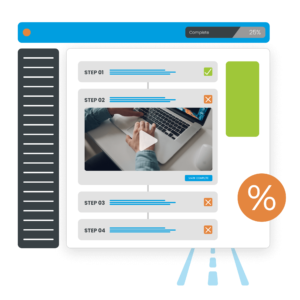
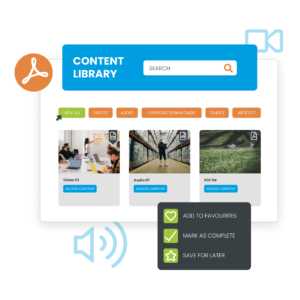
Online learning works when the experience feels considered. Logical course structure. Clean lesson layouts. Progress that’s visible. Quizzes and assignments where they help, not where they pad. Certificates members actually want to download.
You get a LearnDash site that isn’t just functional. Drip-fed content, prerequisites, time-limited cohorts, group enrolments, instructor dashboards. Whatever your programme structure demands, your site is built to fit.
A members area members actually use
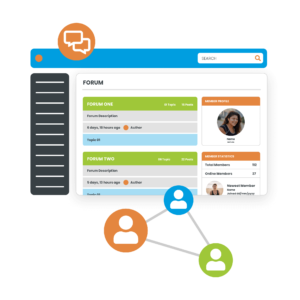
Whether it’s gated premium content, a paid community, recurring service access, or a tiered programme with multiple levels, your site has access control built in from the start, not bolted on.
Tiered pricing, free trials, upgrades and downgrades, content drip schedules, members-only resources. We pick the right platform for what you’re doing. MemberPress when you need flexibility. WooCommerce Memberships when payments are the centre of gravity. Then we build around your business model, not against it.
This is where most agencies stop. We don’t.
WP Fusion is the bit that makes the whole thing work. It connects your membership site to your CRM (ActiveCampaign, Keap, HubSpot, others) so member tags and access stay linked. One source of truth, one set of rules.
A new sign-up gets tagged in the CRM. The tag grants access to the site. The tag triggers an onboarding email sequence. Cancellation removes the tag, revokes access, and pauses the marketing. All automatically.
It’s the difference between a membership site that runs itself and one that needs you to babysit it.
The money side, properly handled
Stripe, GoCardless, PayPal. Connected and configured properly. Recurring billing with retry logic for failed payments. Pro-rated upgrades. Cancellation flows that actually capture why people are leaving (so you can fix it). VAT and tax handling for the UK and EU.
Boring on the surface. Critical underneath. We get it right so you’re not chasing failed payments or losing members to billing glitches.
The tools we work with
We have spent years with these platforms day in, day out. You get the benefit of that experience without having to build it yourself.
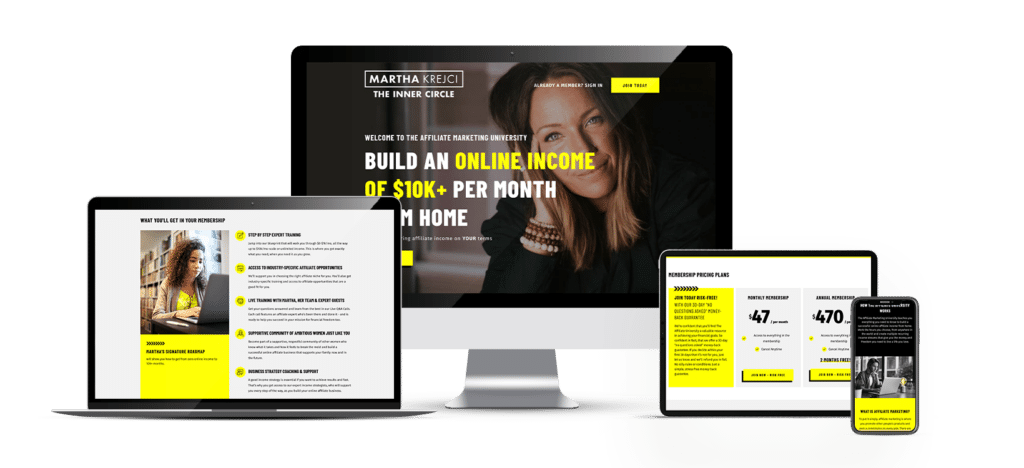
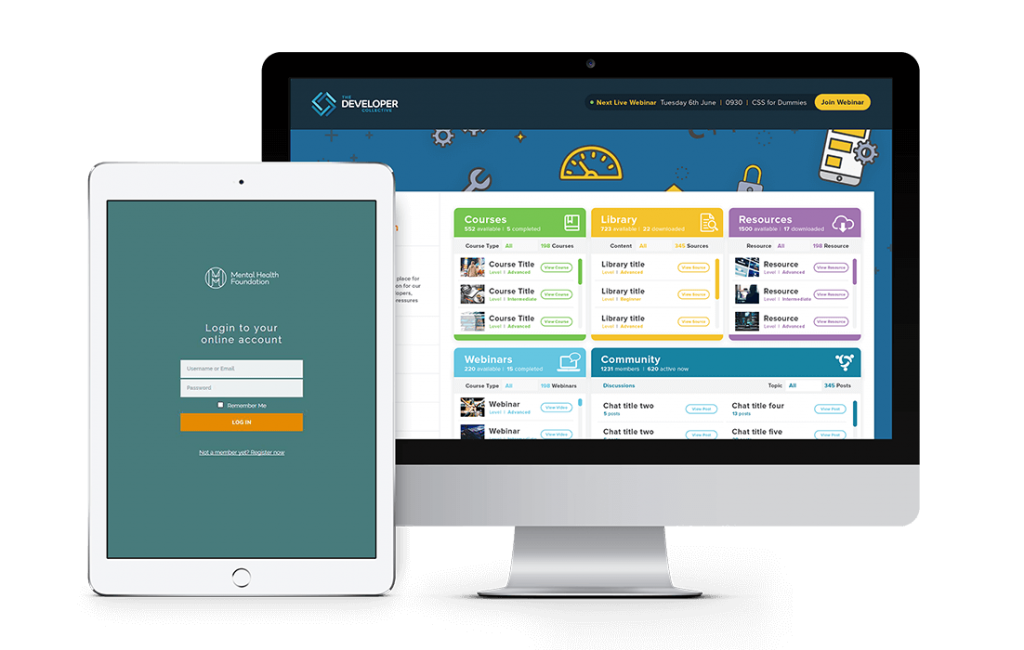
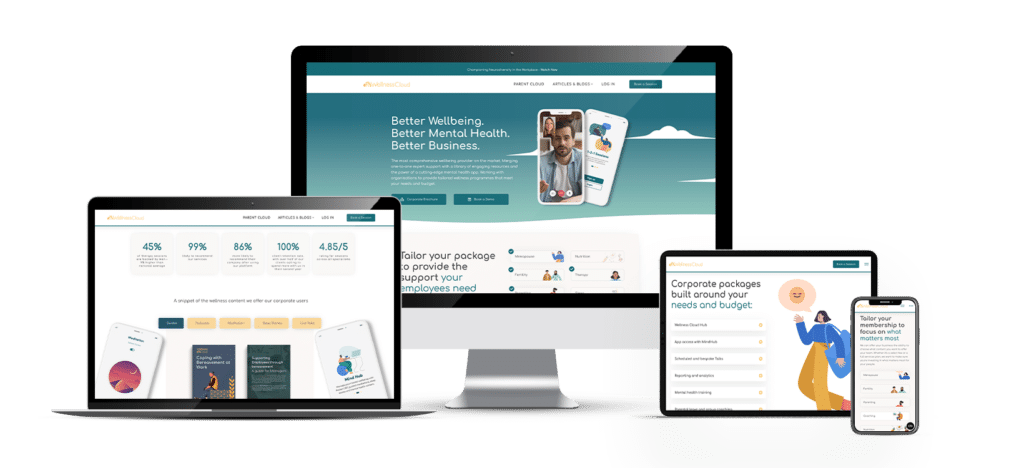
Membership and course sites we’ve built
How we build it
One, map the business model
Before we touch a plugin, we agree how the thing actually works. Pricing tiers, access rules, content structure, the member journey from sign-up to cancellation. Get this right and the build is straightforward. Get it wrong and you’ll be rebuilding in six months.
build, integrate and test the flows
We pick the right stack for what your business actually needs. Then we build it, configure the integrations, and test the flows end to end. Sign-ups, payments, access grants, course progression, cancellations, refunds, edge cases. We find the leaks before your members do.
launch and hand over
Your site goes live with full training. You get clear documentation, screencast walkthroughs, and a member of our team on hand for the first weeks while you get used to running it. Then the Premium Guarantee covers you for six months.
Six months of cover, built into every project
For six months after launch, anything that breaks, glitches or misbehaves, we fix.
Fast, free, no debate. Particularly important on membership sites, where one broken flow can mean lost revenue or refund requests. With us, you’ve got a team behind you who built it and knows it.
A team that sticks around after launch
Membership sites need ongoing care, and we provide it
Our team is devoted to creating strategic online solutions that stand the test of time. No more feeling lost, we provide comprehensive training with every website so you can take control.
Plus, we offer a range of additional services to help you effectively promote your business online.
You also get access to:
- WordPress care plans with priority support for membership platforms
- Managed WordPress hosting tuned for high-traffic course sites
- Marketing automation setup and ongoing optimisation
- New course or programme builds as the business grows
- Technical SEO for course pages and member content
- CRM consultancy and integration work
If that sounds like the kind of build you need, let’s talk.
A short call, an honest look at what you’re trying to launch (or fix), and a clear answer on whether we’re the right team for it. Free initial consultation, no commitment required.
Membership and course website FAQs
What’s the difference between a membership site and a course website?
A course website is built around teaching. Structured lessons, progress tracking, quizzes, certificates. A membership site is built around access. Paid content, member-only resources, recurring billing, tiered access.
Plenty of sites are both. A paid coaching programme might have courses, a members area, group calls and gated downloads all in one. We build standalone course sites, standalone membership sites, and the hybrids that combine both.
How much does a membership website cost?
Our membership websites start from £5,500 and go up to £20,000+ depending on size and feature requirements.
What’s included as standard:
- Tailored design
- Membership setup and optimisation
- Members login and dashboard
- Content restriction by membership level
- Payment system (Stripe or PayPal)
- CRM integration
- Basic email customisation
- Setup of your first 10 products or courses
- Website training
- One year of hosting
For larger projects with custom workflows, multiple integrations, or complex tiered access, costs scale up. We give you a clear, itemised quote after a short conversation. For a deeper breakdown of what affects cost, see our Ultimate Guide To Membership Website Costs
How long does it take to design and build?
A simple membership website typically takes 10 to 12 weeks from kick-off to launch. Larger or more complex projects take longer, usually because of content readiness or integration scope rather than the build itself.
To keep your project moving, we need your content ready and quick replies to our questions. Do that, and we’ll have you online faster.
Do you offer payment plans?
Yes. We offer 6 and 12-month payment plans on membership website builds, plus a range of monthly support and digital marketing services to help you promote and grow your platform once it’s live.
Which platform should I use, LearnDash, MemberPress, or WooCommerce Memberships?
It depends on what you’re selling and how. LearnDash is the strongest course platform in WordPress. Use it when learning is the core experience. MemberPress is the most flexible membership platform. Use it for tiered access, paid communities, gated content. WooCommerce Memberships fits when you’re already using WooCommerce for payments or selling memberships alongside physical products.
We use all three regularly. The right answer depends on your business model, not our preference.
Why does CRM integration matter for a membership site?
Because without it, you’ve got two systems that don’t talk to each other. Your membership platform knows who’s a member. Your CRM knows who’s getting which emails. If those don’t sync, you end up sending welcome sequences to people who’ve cancelled, marketing offers to existing members, or, worst case, leaving paying members without access.
WP Fusion ties them together. Member status drives CRM tags. CRM tags drive access. Both stay in sync, automatically.
Can you help with an existing membership site that’s broken or underperforming?
Yes. If you’ve got an existing membership website that needs maintenance, design improvements, or new functionality, we can help on a project basis or through one of our ongoing support packages.
Take a look at our Membership Support Plans
Can you migrate an existing membership site to a new platform?
Yes. Migration projects need extra care. Preserving member accounts, transferring active subscriptions, maintaining course progress, handling existing billing relationships. We’ve done it from Kajabi, Teachable, Thinkific, custom builds, and earlier WordPress setups. There’s always a transition plan, and we run the new site in parallel until we’re confident nothing’s been missed.